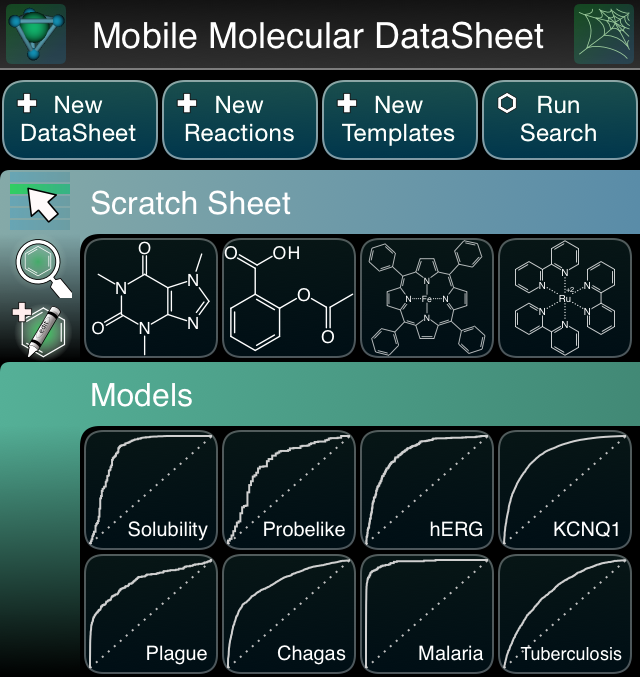
 Several of the flagship apps from Molecular Materials Informatics have had major updates recently: the Mobile Molecular DataSheet, SAR Table, MolPrime+, Green Lab Notebook and Approved Drugs. Two separate groups of features have motivated these updates: (1) the inclusion of in-app calculation of nontrivial properties, lately supplemented by the inclusion of Bayesian models, and (2) leveraging the new iOS 8 API feature for importing & exporting data to any compatible service, which includes iCloud by default, but also Dropbox if it is installed. Continue reading
approved drugs
Incorporating Bayesian models into the Approved Drugs app
 Some interesting experimental features are on their way to the Approved Drugs app, which has been in the crosshairs for expanded functionality recently. The latest round of improvements involves the ability to collect custom-drawn structures, and apply Bayesian models for predicting the presence of “bad drug” properties, both for molecules overall, and for individual atoms. Continue reading
NIH probe molecules in the Approved Drugs app
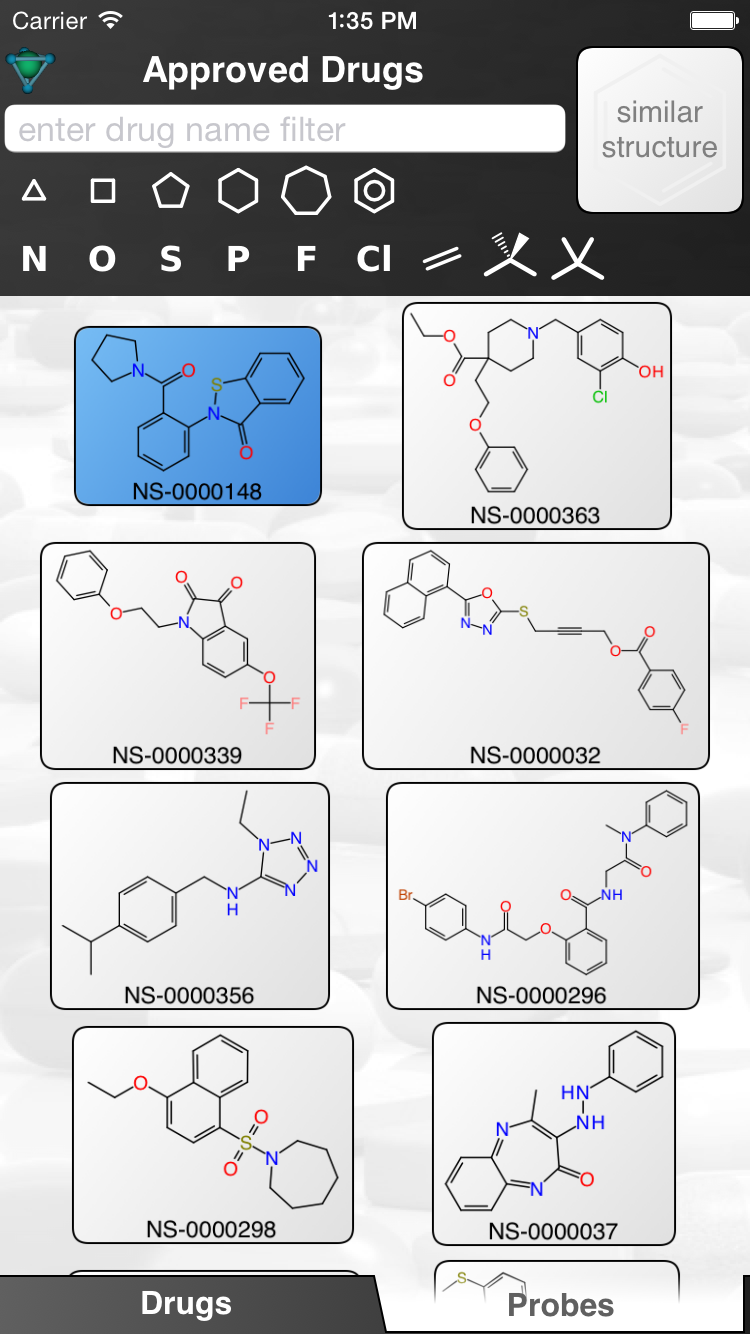 Since the relevant paper just became available (“The parallel worlds of public and commercial bioactive chemistry data”, Lipinski et al, Journal of Medicinal Chemistry), now is as good a time as any to mention that the NIH probe molecules discussed in the article have been incorporated into the latest version of the Approved Drugs app. Continue reading
Dynamic similarity clustering in the Approved Drugs app
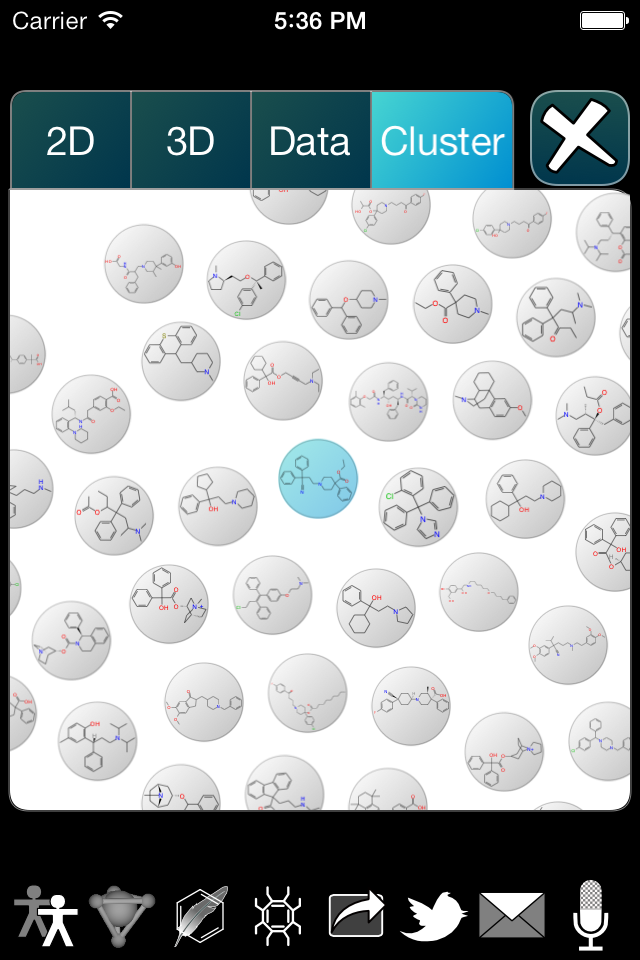 The Approved Drugs app is about to get a new update, which introduces a visual clustering feature. Initially, this is a bit of a novelty, but has a clear pathway toward a more sophisticated, high value offering. Continue reading
Making posters with Living Molecules
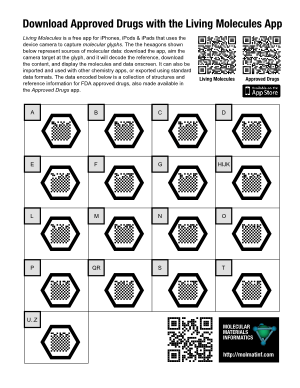 Since the Living Molecules app is now live on the iTunes AppStore, it’s time to say a little more about what its intended purpose is. While the potential uses of a “molecular QR code” system probably include a whole lot of things that I haven’t thought of, the original concept was inspired by the idea of adding supplementary information to posters.
The example poster on the right (click for the PDF version) takes the concept of “supplementary” to an absurdity, but that’s OK, because it’s a demo poster made to prove a point: each of the 17 molecular glyphs corresponds to a portion of the molecule collection that makes up the raw data for the Approved Drugs app. The data is hosted on molsync.com, where it has been residing for some time (note that it can also be found in the Drug Repurposing topic for Open Drug Discovery Teams).
If you were to print out this Letter-sized poster and stick it up on a wall, anyone who walks up and takes a look at it will either: (1) recognise the molecular glyphs for what they are, whip out their iThing and open up their already installed copy of Living Molecules; or (2) read the explanatory text to find out what it’s all about, snap the regular QR code at the top to get to the iTunes AppStore to download the free app, then proceed as for (1); or (3) send me an angry email demanding that an Android version be made available immediately.
For a more realistic poster, which is describing actual science rather than a techno-utility, >95% of the surface area of the poster would be taken up with the usual things: title, attribution, feature pictures, captions, text, graphics, etc. A modestly sized molecular glyph might be found in a corner, with a little note mentioning something like “The actual data used to produce the structure-activity plots shown above is available by capturing this glyph“.
Lab Solvents app for Android nearing completion
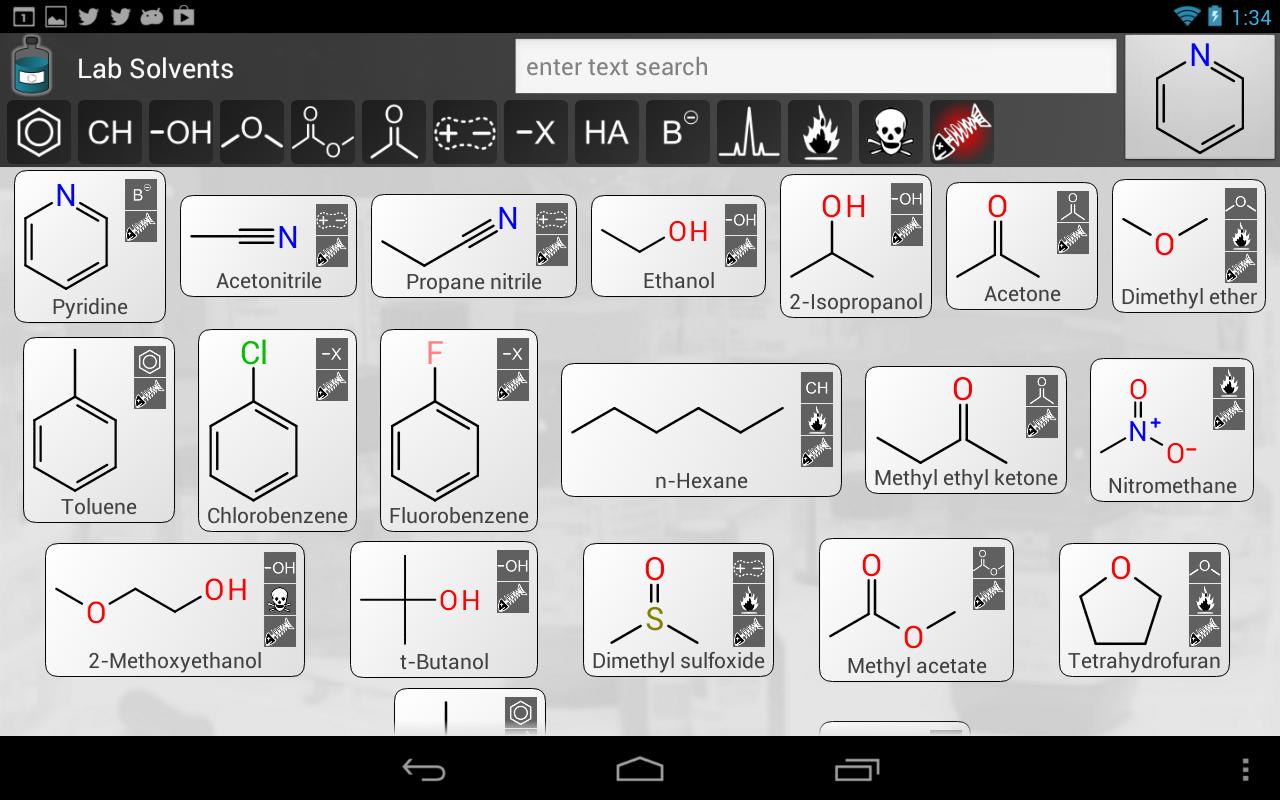 Another app is on its way for Android, called Lab Solvents. It’s not quite finished yet, but as you can see in the snapshot to the right, it is close. The new app is basically a fusion between the iOS apps Approved Drugs, TB Mobile and Green Solvents, built for Android. Continue reading
TB Mobile: an app with reference data for tuberculosis drug research
 There is now another freely downloadable app in the iTunes AppStore called TB Mobile. If you have an iOS based device and any interest in research for new tuberculosis drugs, you should check it out. The app presents about 700 molecular structures, each of which has been screened against the tuberculosis mycobacterium (Mtb). Continue reading
Approved Drugs gets more fields: targets and synonyms
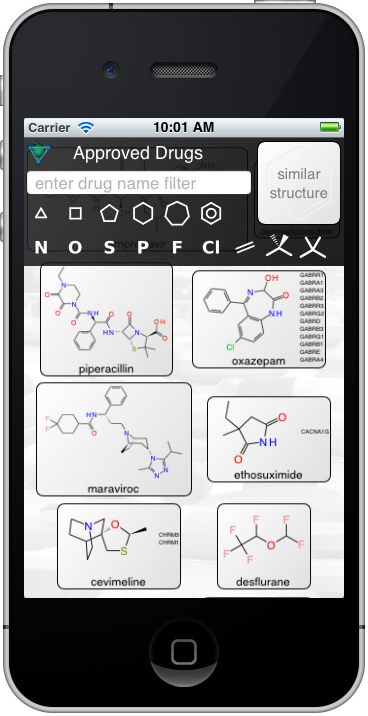 The Approved Drugs app has a new version awaiting review on the AppStore which adds drug targets and synonyms. The target codes have been integrated from the supplementary information of a recent Nature paper describing the prediction of side-effect targets (Lounkine, Keiser, et al), and provide data for 500 or so of the entries. Synonyms have been obtained by using the ChemSpider API, combined with some automated filters and manual verification to restrict the list to common trade names. Continue reading
New ODDT topic: Drug Repurposing
 Today we added another topic to the Open Drug Discovery Teams project, called Drug Repurposing. The source material currently corresponds to the Twitter hashtag #drugrepurposing, which means that any time anyone tweets a link with that tag, it will find its way into the incoming content section for the topic.
To get the new topic off to a running start, the source material for version 1.0 of the Approved Drugs app has been divided up into page-sized chunks and tweeted-into the topic – which is the purpose of the series of tweeted datasheets. These provide name, structure and ChemSpider ID for about 1300 drugs approved by the FDA, which is the same data used by the app. The plan is to resubmit the series with each major revision of the source data, so the content will be available to anyone who wants it, not just anyone who has the app.
The Drug Repurposing page within the ODDT app currently looks like this:

The first column of factoids each corresponds to one of the tweeted datasheets, containing approved drugs organised into groups by alphabet. The preview thumbnail in each case shows several of the drug stuctures, and a concise summary of the column named.
Tapping on one of the thumbnails brings up the datasheet viewer:

Note that both the thumbnail, and this scrollable detail-view, are rendered by the app itself. The server recognised the original content as chemical data, and passed this knowledge over to the app. The app parses the datasheet, and its constituent molecules, in order to display it in the appropriate context. The buttons on the top left of this page offer to make this data available to any other apps installed on your device.
Creating a new topic in ODDT and frontloading it with chemical data foreshadows one of the major design objectives of the project: the chemical structures will eventually be searchable, and features are on the drawing board for extracting all kinds of structure:property data from the underlying documents.
Approved Drugs app 1.0.1 gets performance relief
 The Approved Drugs app, which came out on the iTunes AppStore just a few days ago, is about to get its first update, whenever v1.0.1 gets approved. The update deals with the loading performance that currently incurs a bit of a hit when the app first loads, and can overload older devices that have less memory (i.e. crash). Continue reading
 Cheminformatics 2.0