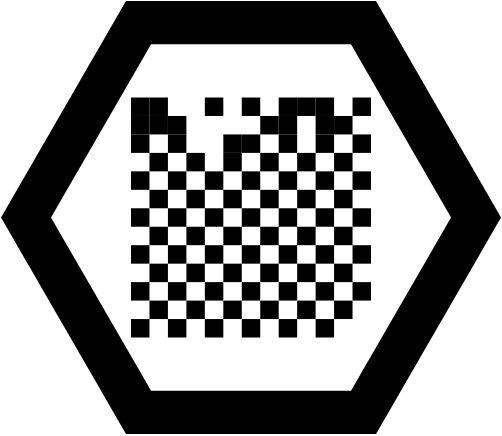
 If not, then you need to get out your iPhone/iPad (or borrow someone else’s), make sure you have the Living Molecules app installed, and capture the glyph to find out.
cloud-servers
Making posters with Living Molecules
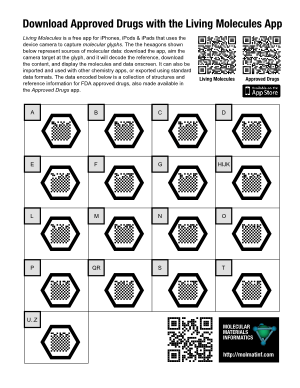 Since the Living Molecules app is now live on the iTunes AppStore, it’s time to say a little more about what its intended purpose is. While the potential uses of a “molecular QR code” system probably include a whole lot of things that I haven’t thought of, the original concept was inspired by the idea of adding supplementary information to posters.
The example poster on the right (click for the PDF version) takes the concept of “supplementary” to an absurdity, but that’s OK, because it’s a demo poster made to prove a point: each of the 17 molecular glyphs corresponds to a portion of the molecule collection that makes up the raw data for the Approved Drugs app. The data is hosted on molsync.com, where it has been residing for some time (note that it can also be found in the Drug Repurposing topic for Open Drug Discovery Teams).
If you were to print out this Letter-sized poster and stick it up on a wall, anyone who walks up and takes a look at it will either: (1) recognise the molecular glyphs for what they are, whip out their iThing and open up their already installed copy of Living Molecules; or (2) read the explanatory text to find out what it’s all about, snap the regular QR code at the top to get to the iTunes AppStore to download the free app, then proceed as for (1); or (3) send me an angry email demanding that an Android version be made available immediately.
For a more realistic poster, which is describing actual science rather than a techno-utility, >95% of the surface area of the poster would be taken up with the usual things: title, attribution, feature pictures, captions, text, graphics, etc. A modestly sized molecular glyph might be found in a corner, with a little note mentioning something like “The actual data used to produce the structure-activity plots shown above is available by capturing this glyph“.
Sharing structures with SketchEl and molsync.com
 The latest version of SketchEl (1.60) has added a new feature: sharing of content via molsync.com. From either the molecule editor or the datasheet editor, the underlying content can be directly uploaded, making it openly accessible to the greater internet.
While SketchEl is not technically a product of Molecular Materials Informatics, the copyright is held by me, it’s made available via the Gnu Public License, and it gets a bit of maintenance from time to time. It is a conventional and fairly capable 2D structure drawing program that is written in pure Java, and runs on all the major platforms. It can even be used as an applet, though that doesn’t matter as much as it used to. It also allows editing of molecular spreadsheets (“datasheets”) that contain molecules and various scalar data. Over the years (since 2005) it has served as a test bed for a few ideas, like the SketchEl molecule file format, and I still use it regularly for editing structures and collections.
The newly added sharing feature offers to upload the current molecule or datasheet. Once the upload is complete, the result is available in the form of a URL, which can be opened in the browser, e.g. http://molsync.com/share?mol=3161:
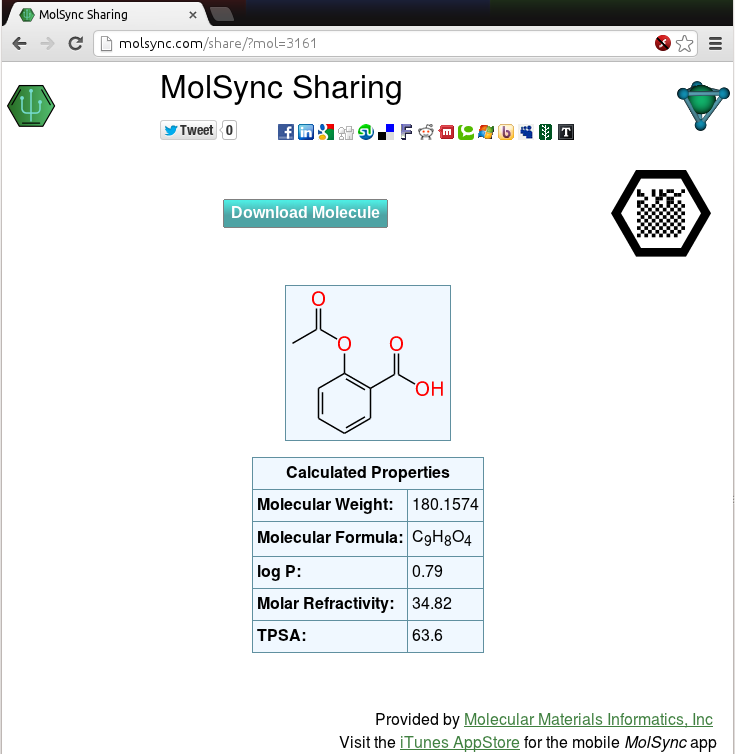
This is the same workflow that is available via several mobile apps, like MMDS and MolPrime+, either for sharing directly as a web page, or as a prelude to tweeting out the data. Once you have the data uploaded to the site, the content is served up in viewable form, and can be downloaded in various cheminformatics and graphics formats. It can be shared by any sort of internet distribution means, and there are lots of clickable icons for bouncing it out via Twitter, Facebook, LinkedIn, Google+, etc.
Notice also that the page includes the molecular recognition glyph – that’s the black hexagon with the square dot pattern in the middle. The timing is no coincidence, because it means that as soon as the Living Molecules app gets through the appstore review process, the following workflow will be possible:
- Draw molecules and/or assemble them into a datasheet with textual content, properties, etc., using any desktop platform (Linux, Windows, Mac, whatever)
- Share the content on molsync.com
- Export the molecular glyph and include the graphic on a poster
- Put up the poster at a conference, and anyone with an iThing can snap the glyph and access the underlying data
Of course, using many of the content creation apps the data can be created on a mobile device as well, but adding the feature to SketchEl now makes that a choice: create content on mobile or desktop, whichever is most convenient at the time. And it’s not just for making posters either, but that is one of the original use case proposals.
Molecular glyphs on MolSync.com
 The molsync.com sharing page has a new feature, as shown on the screenshot to the right (click on it to see the live version): there’s now a black hexagon with a grid pattern in the middle, which is a molecular recognition glyph designed to work with the Living Molecules app. The simplest way to describe it is that it’s a molecular QR code, suitable for inclusion on posters or various other documents. The content can be accessed by using the Living Molecules app to “snap” the glyph, after which it continues on to download the data and make it available for viewing, storing and exporting.
The app has been submitted to the iTunes AppStore, so with any luck, it will be available for download (free) in a week or so!
Finding vendors using mobile apps: compliments of PubChem
 Users of the PubChem service may have noticed that the hit records include a list of vendors and links to the compound records for their site (e.g. see here). The Mobile Molecular DataSheet (MMDS) app, among others, can tap into PubChem to search by name or structure. The next version makes use of the vendor information, and provides this to the user as part of the search results. Continue reading
Adding statistics to ODDT topics
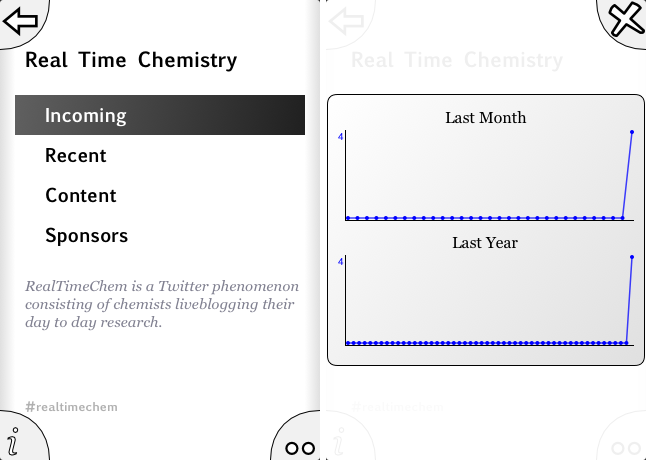 The Open Drug Discovery Teams (ODDT) app is undergoing surgery to add in longer term statistics logging for individual topics. Continue reading
Searching public databases from mobile apps: better feedback
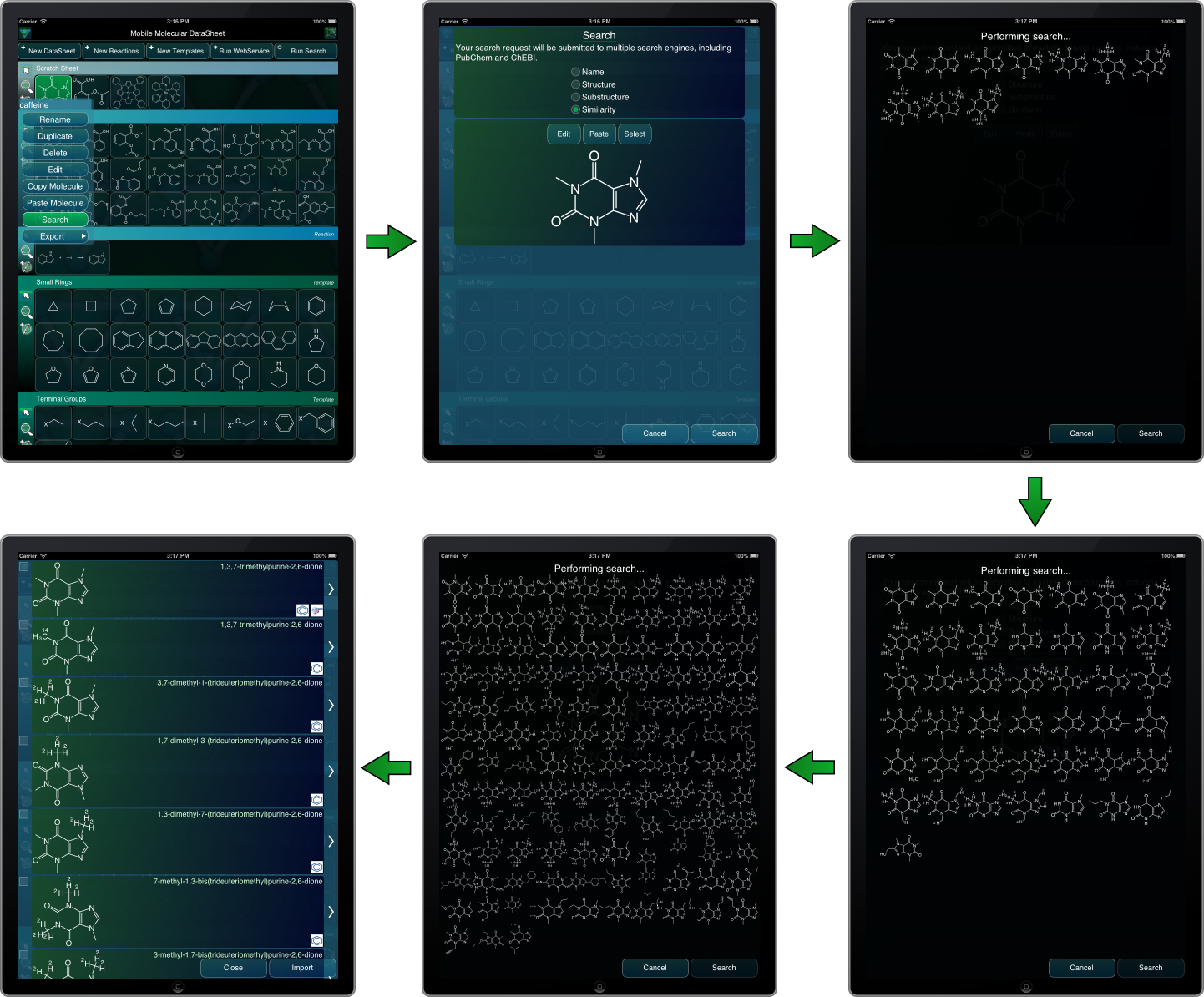 A few iterations ago, some of the flagship mobile apps from Molecular Materials Informatics (namely the Mobile Molecular DataSheet, SAR Table and MolPrime+) added an integrated feature for searching public databases by name and structure. The feature works through a webservice meta-layer that currently wraps PubChem and ChEBI.
The use case is very convenient, but one of the downsides for the presently available features is that the webservice connection is carried out as a single operation, with no feedback until the search is complete. From a user experience point of view, an operation with no progress indicator gives the impression of taking about 10x as long as one that provides useful feedback. Continue reading
Matching multiple scaffolds at once with the SAR Table app
 The SAR Table app has had the ability to match scaffolds to molecules for awhile now, but as of the latest release (1.3.4) just submitted to the AppStore, it will be able to match more than one scaffold at once. Continue reading
Publication-quality molecular rendering: behind the scenes
 My most recent publication is now available as early access, and is entitled Rendering Molecular Sketches for Publication Quality Output (Molecular Informatics, 2013). As the title suggests, the paper describes the process of turning a data representation of a molecular structure into a graphical figure that is suitable for the most aesthetically demanding circumstances (e.g. manuscripts, posters, etc.). If one were to start with a connection-table representation of a molecule, with well selected coordinates (e.g. a typical MDL Molfile, among others), the process of creating a perfect diagram seems pretty simple compared to everything that goes on up to that point, but actually it’s not. There is a great deal of information that has to be inferred before a great picture can be produced. The paper goes into a lot of detail, and describes all of the important algorithms necessary to bridge the gap. Continue reading
SAR Table prediction of empty matrix cells
 The next version of the SAR Table app is going to be accompanied by quite a few enhancements, one of them being the ability to use a previously built model to come up with predictions for empty cells in the matrix view. Continue reading
 Cheminformatics 2.0