The next version of the Mobile Molecular DataSheet (MMDS) for iOS will come with a few new features for sketching out molecular structures, followed by each of the other apps that are based on the same core technology, as and when they are updated. While the sketcher codebase has been quite stable for awhile, on account of already being powerful enough to draw some very tricky structures perfectly & quickly, the to-do list has been collecting up ideas for improvements. Continue reading
iOS
Lyme disease added to ODDT
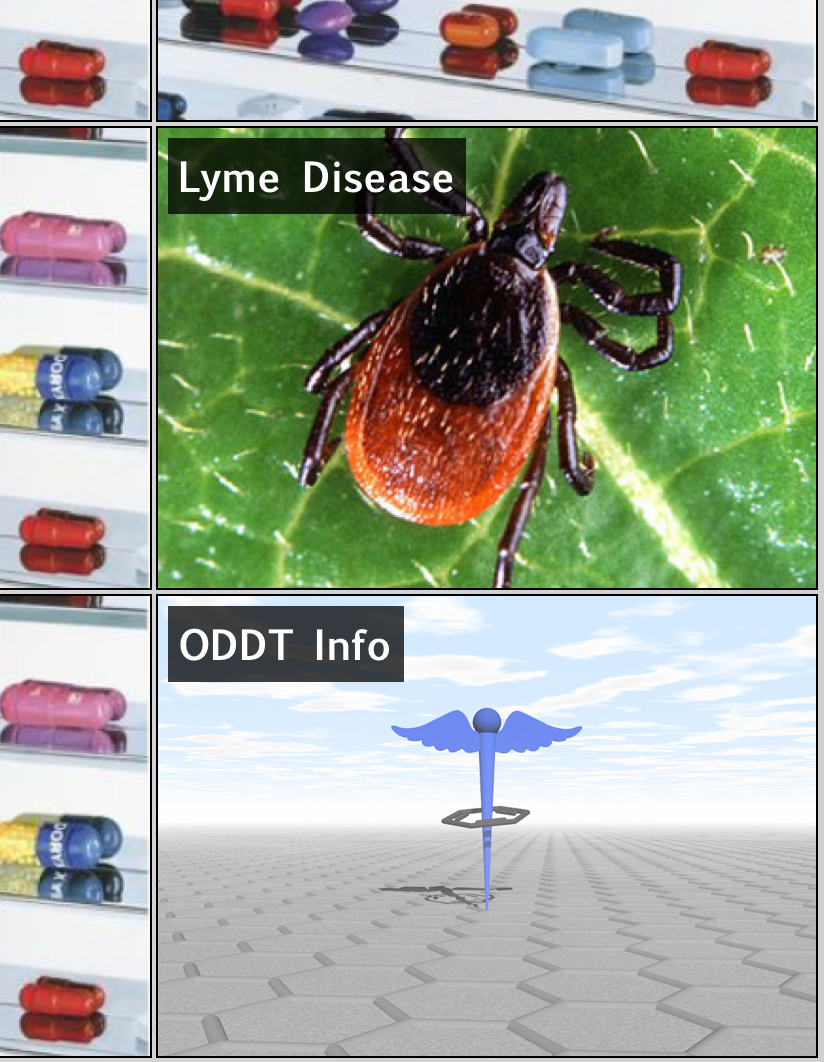 It seemed appropriate to include a new topic to the Open Drug Discovery Teams project: Lyme Disease. After a road trip through New England this summer, seeing signs everywhere warning visitors to be ultra careful not to do anything reckless such as walking anywhere near green foliage, then reading articles about how the disease is actually an underdiagnosed epidemic, it might be time to start thinking of it in the same terms as neglected tropical diseases.
Welcome to the club, ChemDraw Mobile
Yesterday’s buzz in the chemistry software scene revolved around the release of ChemDraw Mobile for iPad (but not iPhone). This is exciting news, even if only for the name: the flagship chemical drawing software from CambridgeSoft has been the go-to brand for creating diagrams for manuscripts for something like a quarter century (give or take). It’s hard to argue that working with chemical structures on mobile devices is an irrelevant hobby when the biggest player in the industry has made the effort to join in, and is giving it top billing with its promotional efforts. Continue reading
Fun with glyph recognition
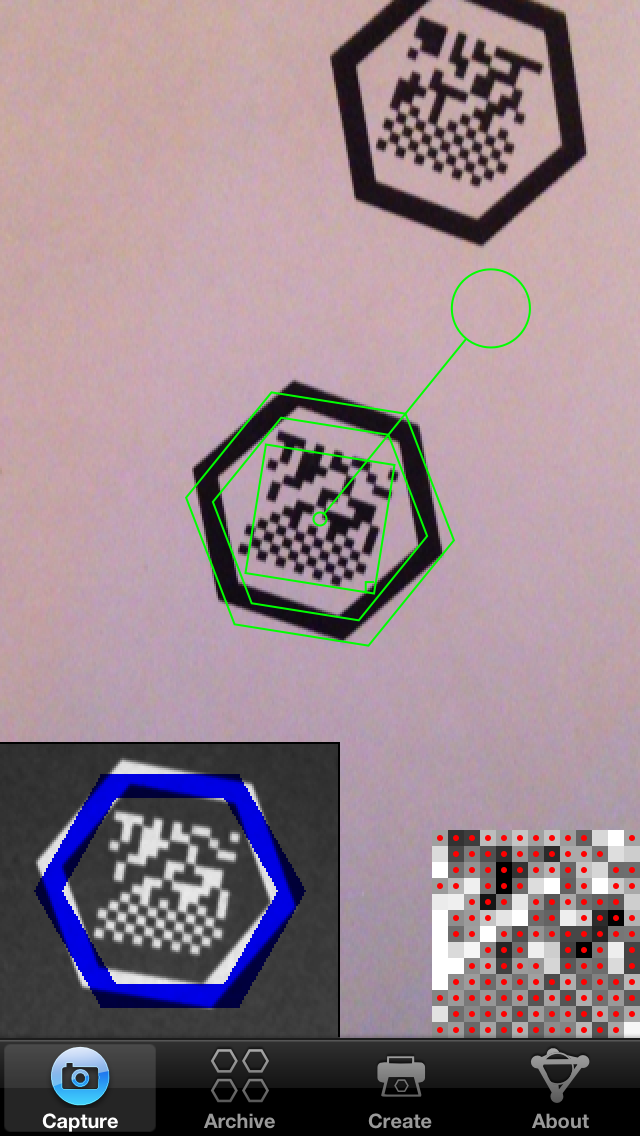 As mentioned in a recent post, the molecular glyph recognition algorithm used by the Living Molecules app is going to have a few more iterations before it’s in peak condition. The current public version (1.0.1) does not behave too well in low lighting conditions, which is not so bad for using with an iPhone, because it comes with its own flashlight, but that’s not the case for iPads. The last couple of days has been spent pulling everything apart and putting it all back together again, because it turns out that distinguishing between white and black is slightly more complicated than one might think. Continue reading
Reaction mapping in MMDS
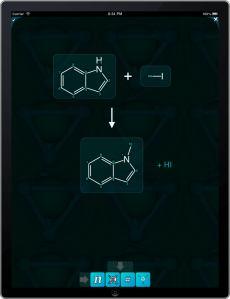 Further to the previous post that mentioned a new atom-mapping interface for the Mobile Molecular DataSheet (MMDS) app, the next step is an atom-to-atom pairing interface for reactions. A very short 30 second YouTube clip will show you how this works. Continue reading
Making posters with Living Molecules
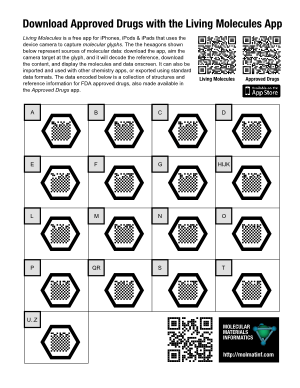 Since the Living Molecules app is now live on the iTunes AppStore, it’s time to say a little more about what its intended purpose is. While the potential uses of a “molecular QR code” system probably include a whole lot of things that I haven’t thought of, the original concept was inspired by the idea of adding supplementary information to posters.
The example poster on the right (click for the PDF version) takes the concept of “supplementary” to an absurdity, but that’s OK, because it’s a demo poster made to prove a point: each of the 17 molecular glyphs corresponds to a portion of the molecule collection that makes up the raw data for the Approved Drugs app. The data is hosted on molsync.com, where it has been residing for some time (note that it can also be found in the Drug Repurposing topic for Open Drug Discovery Teams).
If you were to print out this Letter-sized poster and stick it up on a wall, anyone who walks up and takes a look at it will either: (1) recognise the molecular glyphs for what they are, whip out their iThing and open up their already installed copy of Living Molecules; or (2) read the explanatory text to find out what it’s all about, snap the regular QR code at the top to get to the iTunes AppStore to download the free app, then proceed as for (1); or (3) send me an angry email demanding that an Android version be made available immediately.
For a more realistic poster, which is describing actual science rather than a techno-utility, >95% of the surface area of the poster would be taken up with the usual things: title, attribution, feature pictures, captions, text, graphics, etc. A modestly sized molecular glyph might be found in a corner, with a little note mentioning something like “The actual data used to produce the structure-activity plots shown above is available by capturing this glyph“.
Copying images of structures with MolPrime
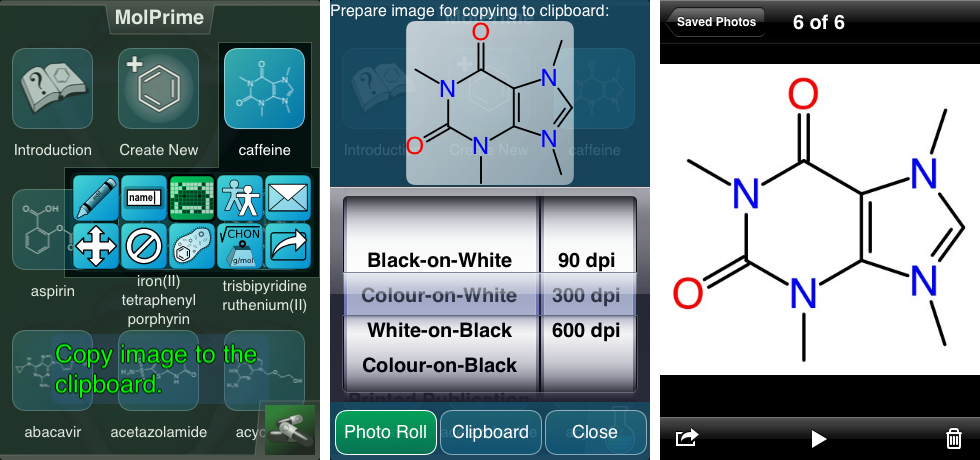 Starting with MolPrime for iOS, the copy image to clipboard feature is being enhanced so that it can also copy structure images to the system photo roll, i.e. the same place where newly snapped photographs are stored. Continue reading
Mobile sketcher improvement: charge buttons alongside the periodic table
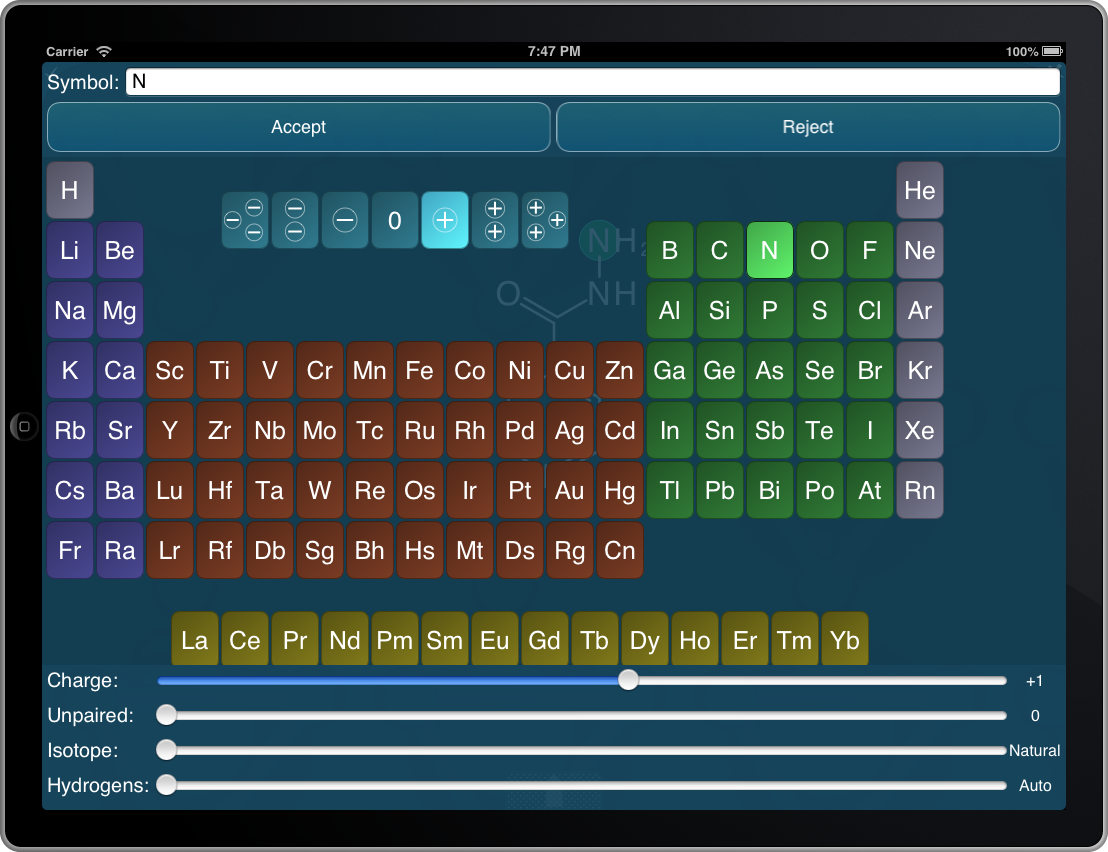 An addition that I’ve been meaning to implement for awhile: double-tapping on an atom within the structure sketcher, using apps such as the Mobile Molecular DataSheet, MolPrime and others, brings up a periodic table and several sliders that allow atom-specific properties to be edited. Using a slider to edit the charge has always been a little unsatisfactory, so as you can see on the snapshot to the right, there are now 7 additional buttons cradled in the deadzone of the periodic table for quickly setting the charge from -3 through +3.
The modified sketcher feature will appear one app at a time, as they get updated during the natural course of events.
The Pistoia App Catalog, and why we need it
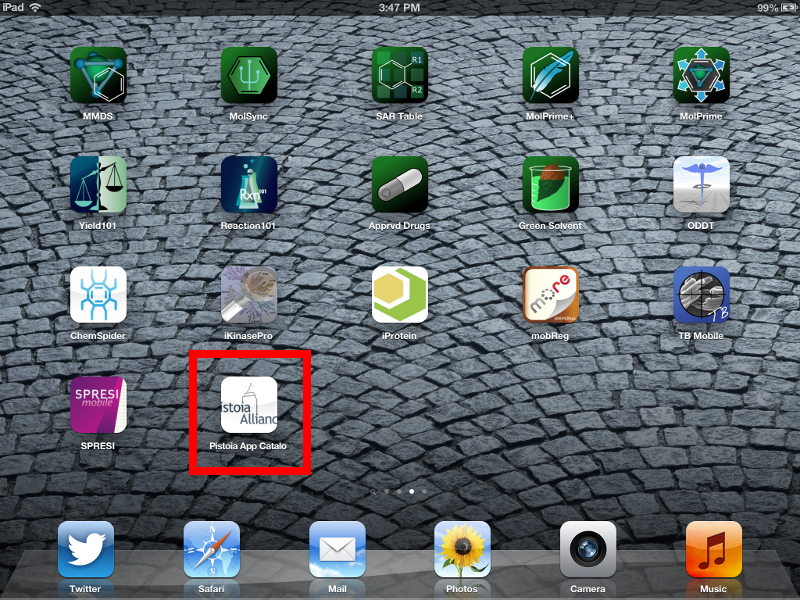 The Pistoia Alliance‘s App Strategy, which is soon going to open the doors on its first offering (phase 1), is initially intended to solve one of the gnawing problems faced by vendors of mobile apps that are not targeted at the entire consumer internet market: the near impossibility of contacting users.
Not that people should be spammed for the rest of their lives just because they downloaded an app, but the mechanisms that the public appstores provide for users to safely initiate a dialog are essentially limited to the comments. Continue reading
 Cheminformatics 2.0