Making posters with Living Molecules

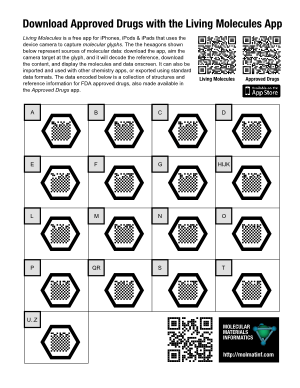
thumb_poster_ApprovedDrugsSince the Living Molecules app is now live on the iTunes AppStore, it’s time to say a little more about what its intended purpose is. While the potential uses of a “molecular QR code” system probably include a whole lot of things that I haven’t thought of, the original concept was inspired by the idea of adding supplementary information to posters.

The example poster on the right (click for the PDF version) takes the concept of “supplementary” to an absurdity, but that’s OK, because it’s a demo poster made to prove a point: each of the 17 molecular glyphs corresponds to a portion of the molecule collection that makes up the raw data for the Approved Drugs app. The data is hosted on molsync.com, where it has been residing for some time (note that it can also be found in the Drug Repurposing topic for Open Drug Discovery Teams).

If you were to print out this Letter-sized poster and stick it up on a wall, anyone who walks up and takes a look at it will either: (1) recognise the molecular glyphs for what they are, whip out their iThing and open up their already installed copy of Living Molecules; or (2) read the explanatory text to find out what it’s all about, snap the regular QR code at the top to get to the iTunes AppStore to download the free app, then proceed as for (1); or (3) send me an angry email demanding that an Android version be made available immediately.

For a more realistic poster, which is describing actual science rather than a techno-utility, >95% of the surface area of the poster would be taken up with the usual things: title, attribution, feature pictures, captions, text, graphics, etc. A modestly sized molecular glyph might be found in a corner, with a little note mentioning something like “The actual data used to produce the structure-activity plots shown above is available by capturing this glyph“.

Sharing structures with SketchEl and molsync.com

sketchel_molsyncThe latest version of SketchEl (1.60) has added a new feature: sharing of content via molsync.com. From either the molecule editor or the datasheet editor, the underlying content can be directly uploaded, making it openly accessible to the greater internet.

While SketchEl is not technically a product of Molecular Materials Informatics, the copyright is held by me, it’s made available via the Gnu Public License, and it gets a bit of maintenance from time to time. It is a conventional and fairly capable 2D structure drawing program that is written in pure Java, and runs on all the major platforms. It can even be used as an applet, though that doesn’t matter as much as it used to. It also allows editing of molecular spreadsheets (“datasheets”) that contain molecules and various scalar data. Over the years (since 2005) it has served as a test bed for a few ideas, like the SketchEl molecule file format, and I still use it regularly for editing structures and collections.

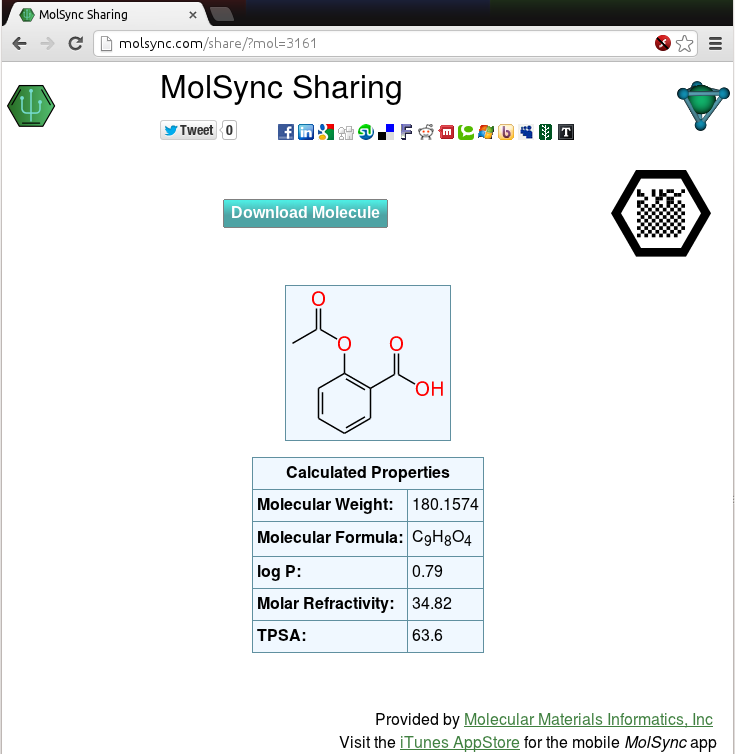
The newly added sharing feature offers to upload the current molecule or datasheet. Once the upload is complete, the result is available in the form of a URL, which can be opened in the browser, e.g. http://molsync.com/share?mol=3161:

sketchel_molsync2

This is the same workflow that is available via several mobile apps, like MMDS and MolPrime+, either for sharing directly as a web page, or as a prelude to tweeting out the data. Once you have the data uploaded to the site, the content is served up in viewable form, and can be downloaded in various cheminformatics and graphics formats. It can be shared by any sort of internet distribution means, and there are lots of clickable icons for bouncing it out via Twitter, Facebook, LinkedIn, Google+, etc.

Notice also that the page includes the molecular recognition glyph – that’s the black hexagon with the square dot pattern in the middle. The timing is no coincidence, because it means that as soon as the Living Molecules app gets through the appstore review process, the following workflow will be possible:

  1. Draw molecules and/or assemble them into a datasheet with textual content, properties, etc., using any desktop platform (Linux, Windows, Mac, whatever)
  2. Share the content on molsync.com
  3. Export the molecular glyph and include the graphic on a poster
  4. Put up the poster at a conference, and anyone with an iThing can snap the glyph and access the underlying data

Of course, using many of the content creation apps the data can be created on a mobile device as well, but adding the feature to SketchEl now makes that a choice: create content on mobile or desktop, whichever is most convenient at the time. And it’s not just for making posters either, but that is one of the original use case proposals.

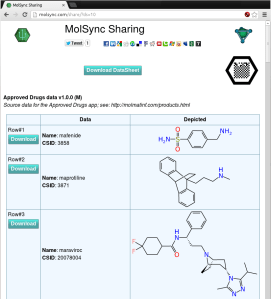
Molecular glyphs on MolSync.com

molsync_glyphThe molsync.com sharing page has a new feature, as shown on the screenshot to the right (click on it to see the live version): there’s now a black hexagon with a grid pattern in the middle, which is a molecular recognition glyph designed to work with the Living Molecules app. The simplest way to describe it is that it’s a molecular QR code, suitable for inclusion on posters or various other documents. The content can be accessed by using the Living Molecules app to “snap” the glyph, after which it continues on to download the data and make it available for viewing, storing and exporting.

The app has been submitted to the iTunes AppStore, so with any luck, it will be available for download (free) in a week or so!

Video demo of Living Molecules app: chemical glyphs on posters

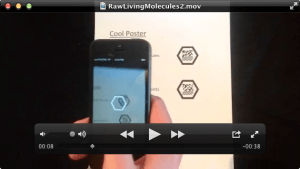
demo_livingmolTo view a very early (pre-pre-alpha) demo of the Living Molecules app, check out this YouTube clip. In a nutshell, this app can be used to photograph molecular glyphs, which work like QR codes, except they unlock explicit chemical content. It can view and import the associated chemical data, export it to other apps, and also be used to create molecular glyphs. These glyphs can be included on posters, documents, websites, etc. Continue reading

Mobile sketcher improvement: charge buttons alongside the periodic table

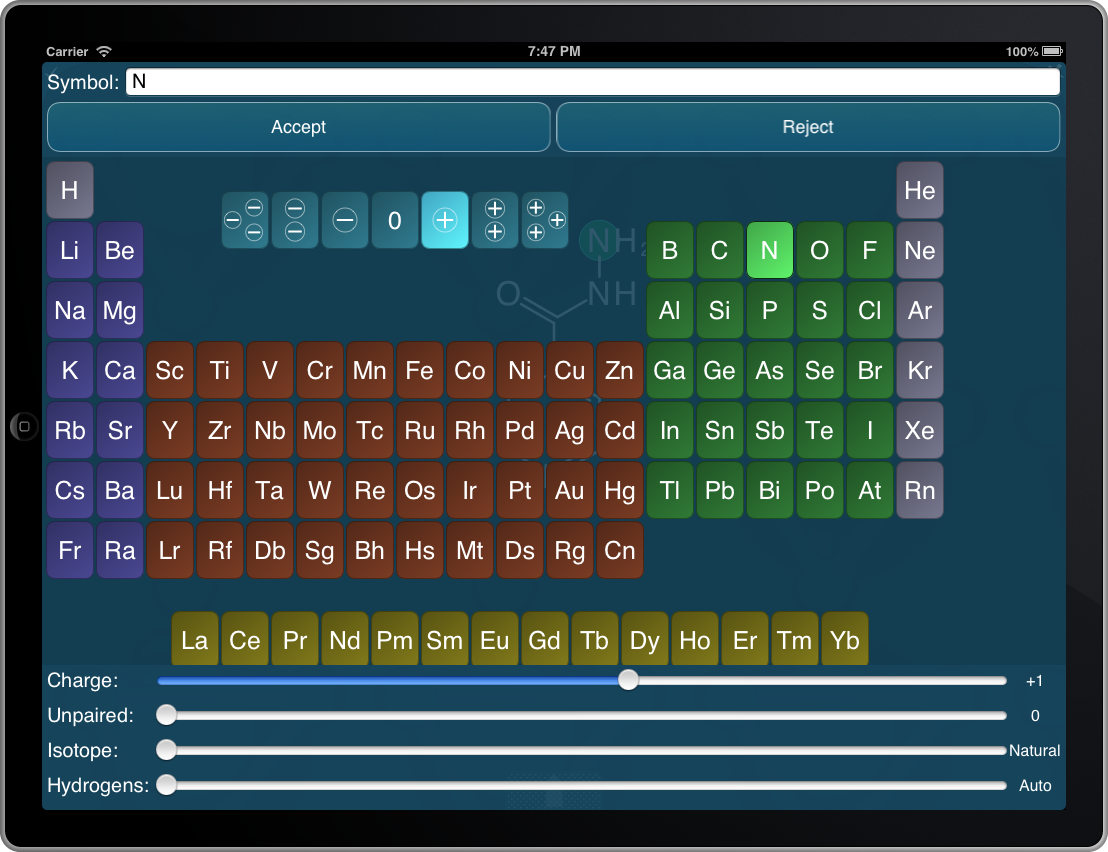
periodictable_chargesAn addition that I’ve been meaning to implement for awhile: double-tapping on an atom within the structure sketcher, using apps such as the Mobile Molecular DataSheet, MolPrime and others, brings up a periodic table and several sliders that allow atom-specific properties to be edited. Using a slider to edit the charge has always been a little unsatisfactory, so as you can see on the snapshot to the right, there are now 7 additional buttons cradled in the deadzone of the periodic table for quickly setting the charge from -3 through +3.

The modified sketcher feature will appear one app at a time, as they get updated during the natural course of events.

ACS Chemical Information Division (CINF) and the ODDT app

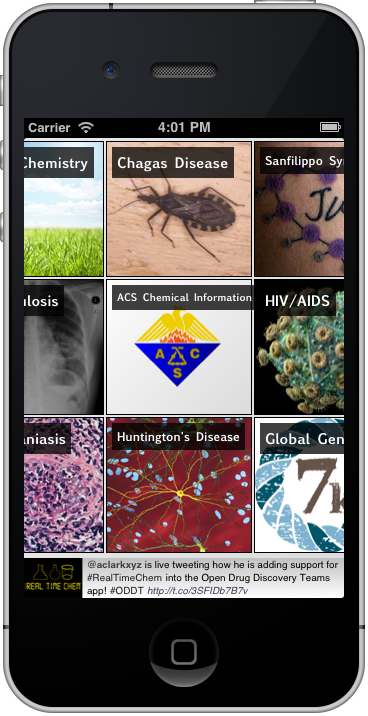
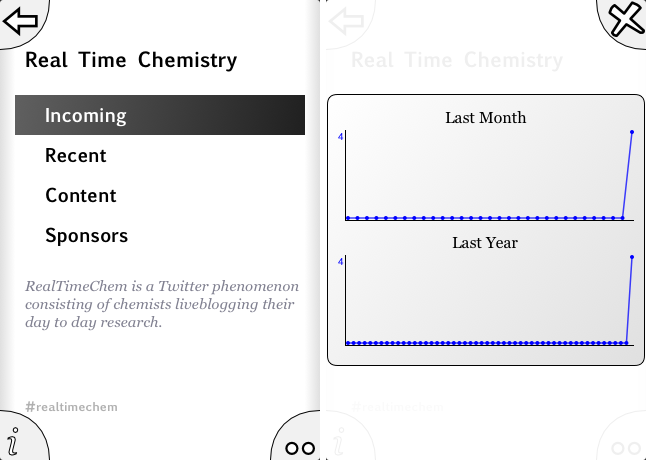
oddt_acscinfOne of the outcomes of the recent American Chemical Society meeting in New Orleans is that my usual haunt – the Division of Chemical Information (CINF) – needs to do a bit more work to publicise itself, and boost the membership count, so it can continue to be an important and relevant fixture in the cheminformatics space. To this end a brainstorming session was held the night before the talks began, and each of us scribbled out as many ideas as we could think of on Post-It notes. One of the ideas that Tony Williams (aka ChemConnector) came up with is to encourage members to tweet out their division-related activities, and use the hashtag #ACSCINF. Then, in the tradition of #RealTimeChem, add a new topic to the Open Drug Discovery Teams app.

First of all, if you have an iPhone, iPod or iPad, and you don’t already have the Open Drug Discovery Teams (ODDT) app installed on it, you need to remedy that by making a quick trip to the iTunes AppStore:

http://itunes.apple.com/app/oddt/id517000016

The app is free. Its purpose is to serve as an aggregator of open content documents for specific science-related topics, which mainly consist of rare & neglected diseases, but also include some precompetitive topics like green chemistry, and some more experimental efforts to involve cheminformaticians in social networking, namely #RealTimeChem and ACS CINF.

The ODDT app contacts a server for its content, which in turn routinely scrapes Twitter and specific RSS feeds. The Twitter-obtained content is an effort to make use of the fact that despite that network being a torrential flood of inanity, there are quite a few sources who post valuable and interesting links, and make the effort to classify their contributions with specific hashtags. ODDT is configured to look for these, and compile them into relevant topics, which means that if you find a relevant document (typically a web page), you can “tweet it into ODDT” by emitting the link and the appropriate hashtag, e.g. #Malaria for articles relating to malaria research. The app provides this information via a browsing interface that was inspired by the very popular Flipboard app.

The second important aspect of its functionality is crowd curation. Documents that are scraped from social networks and added to the system start with an endorsement ranking of 0, which means that they will be kept in the “inbox” for a week, but after that they get flushed. Unless, that is, a user of the ODDT app endorses it. Documents can be voted down as well as up, so as long as its rating stays greater than zero, it will be retained indefinitely. In this way, anything that wasn’t important enough for somebody to endorse gets digested and excreted, leaving behind only the content that people consider valuable.

So if you have any interest in the ACS Division of Chemical Information, you should:

  1. Download the ODDT app, if you have an iThing
  2. Tweet out links to relevant content, and add the #ACSCINF hash tag

Try it out. And let us know what you think!


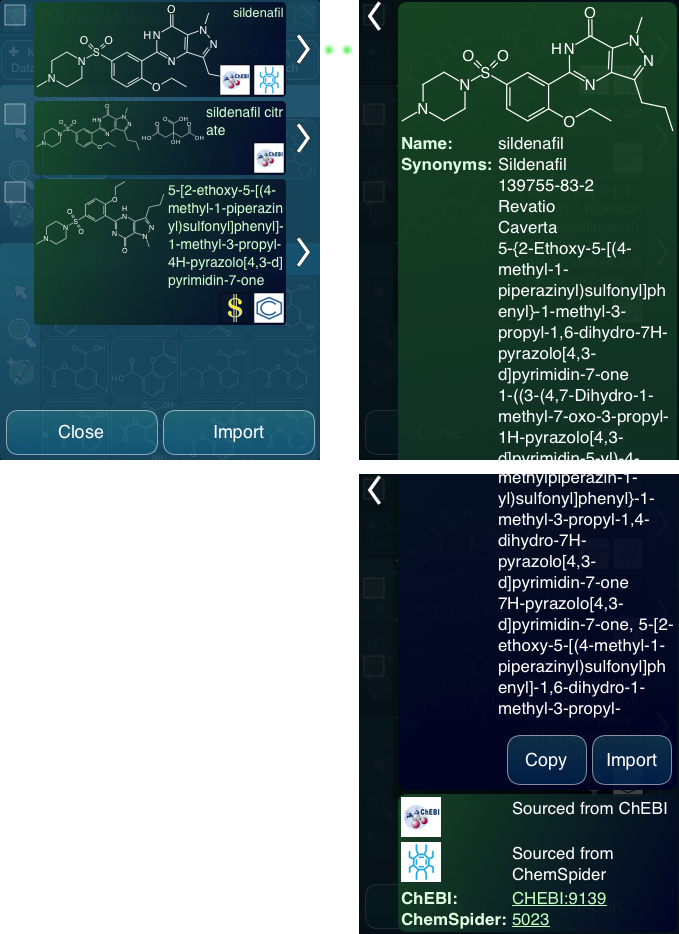
Finding vendors using mobile apps: compliments of PubChem

pubchem_vendorsUsers of the PubChem service may have noticed that the hit records include a list of vendors and links to the compound records for their site (e.g. see here). The Mobile Molecular DataSheet (MMDS) app, among others, can tap into PubChem to search by name or structure. The next version makes use of the vendor information, and provides this to the user as part of the search results. Continue reading